Start with a shared example, then apply the method to a small part of your own idea. The one-to-one pilot combines guided practice with participant feedback to refine the teaching.
01
BUILD TOGETHER
Try the process.
Build a small weather-app example together. Practice giving the AI a clear task and trying the result.
02
MAKE THE CHOICES
Shape your idea.
Understand the tools, models and account choices. Sketch your idea and discuss a sensible first design.
03
START YOUR PROJECT
Build one useful part.
Guide the AI through a focused task on your own project. Check the result and work through what needs correcting.
04
REVIEW & LOOK AHEAD
Know your next step.
Demonstrate and review the prototype. Discuss costs, data, security and what would need attention before real use.
Each 90-minute meeting includes a five-minute break. Allow about 8–9 hours with setup and practice. Additional help is agreed separately.
The shared example gives you something simple to ask for, try, and improve.
You’ll practice turning a broad request into a small task, reviewing the AI’s suggestions, and checking the result yourself. Then you’ll use that approach on your own idea.
The weather app is a teaching example. Your own starting point will depend on your idea and its scope.
03 / THE FIVE MOVES
A method you can come back to.
AI can help write the code. Your role is to give it useful direction and judge the result. The Five Moves give that work a structure.
01
Brief
Describe who it helps and what a useful first result looks like.
02
Architect
Review the suggested screens, structure and rules in plain language.
03
Decompose
Break the idea into small tasks with something you can check.
04
Delegate
Give the AI a focused task and guide it as it builds.
05
Verify
Try the result, question the evidence and address what failed.
Save your place. Keep going.
Record the decisions, save a version of the work, and leave clear notes for your next session.
04 / YOUR GUIDE
SR
Sunny Rajpal
Software developer. Your guide through the first build.
Bring your knowledge. We’ll work through the build.
Sunny brings software engineering experience and practical work with AI coding agents to Buildwright. His own projects involve sustained building, testing and revision.
In the Sprint, that experience supports your starting point: choosing a sensible scope, asking useful questions, and checking the work together.
You bring knowledge of your work and the problem you want to explore. The aim is to help you understand the process and continue with less help.
These projects show the method in use over sustained work, supported by Sunny’s engineering experience. In the Sprint, your starting point is a small prototype.
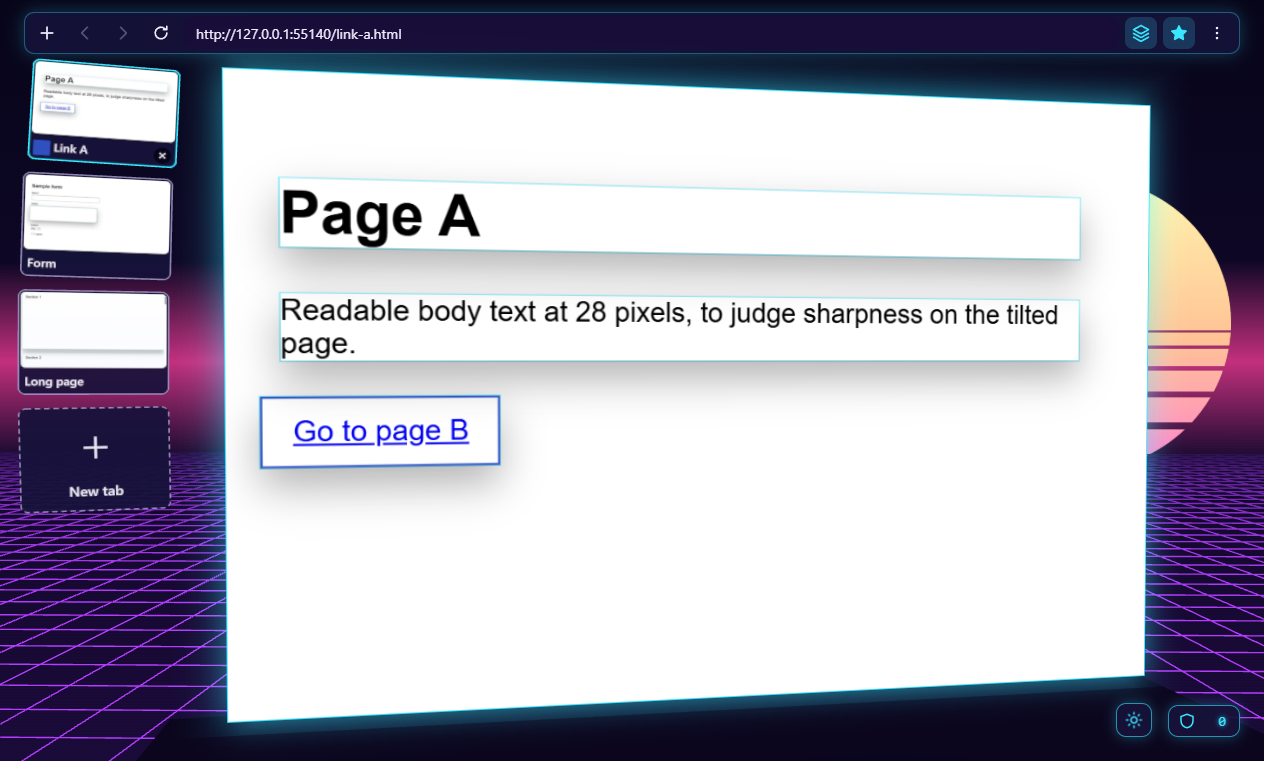
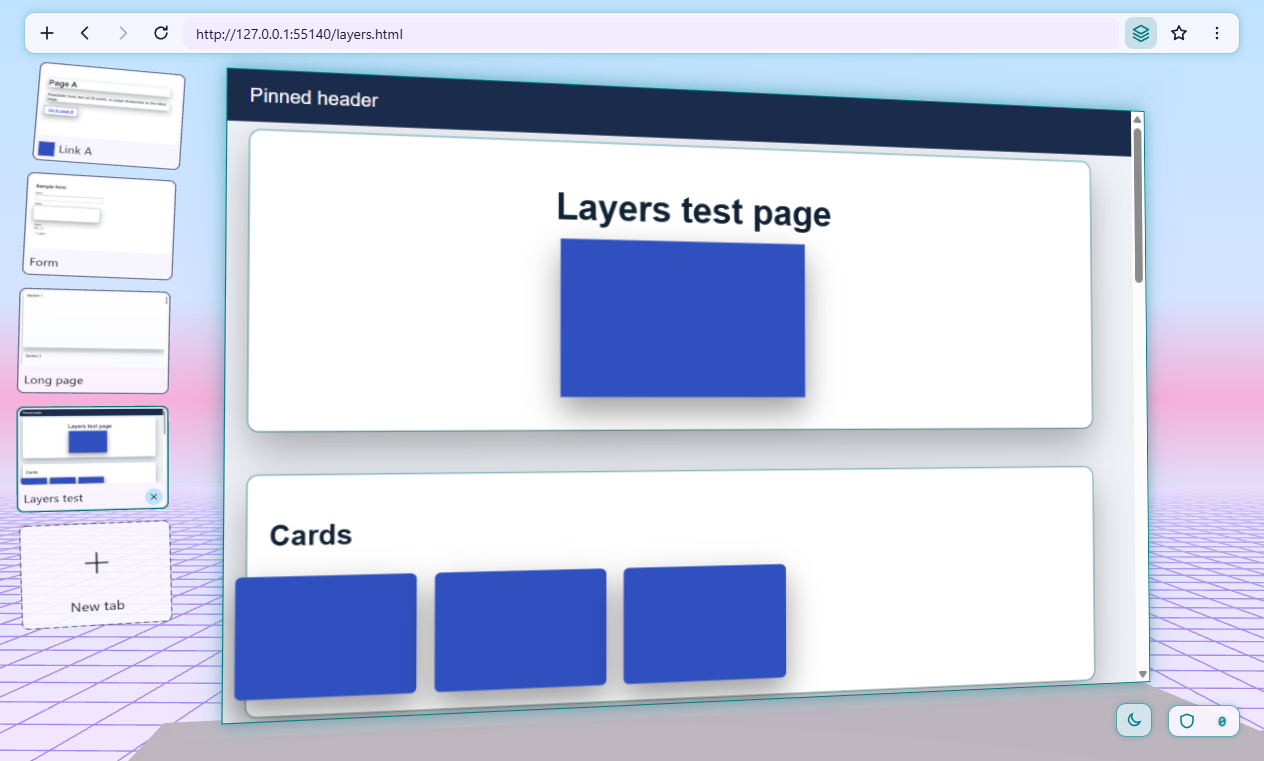
A DESKTOP BROWSER IN 3D
HyperSol HyperSpace 3D
A desktop browser that places web pages in a 3D space. Built on an existing browser engine, with a broad idea developed through focused milestones and checks.
The lesson: A clear direction becomes a sequence of smaller, testable builds.
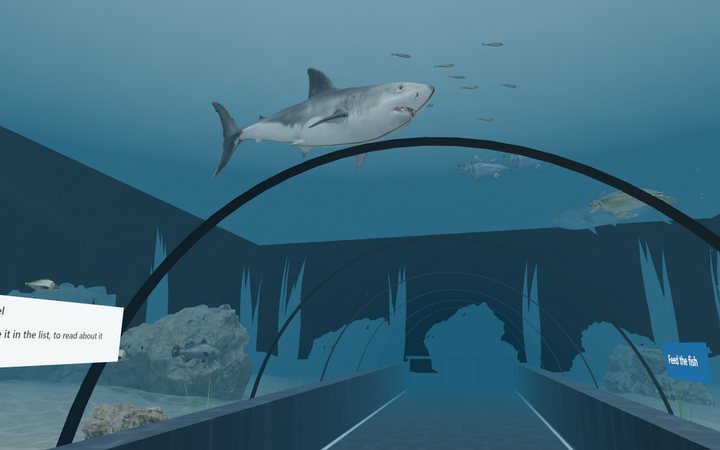
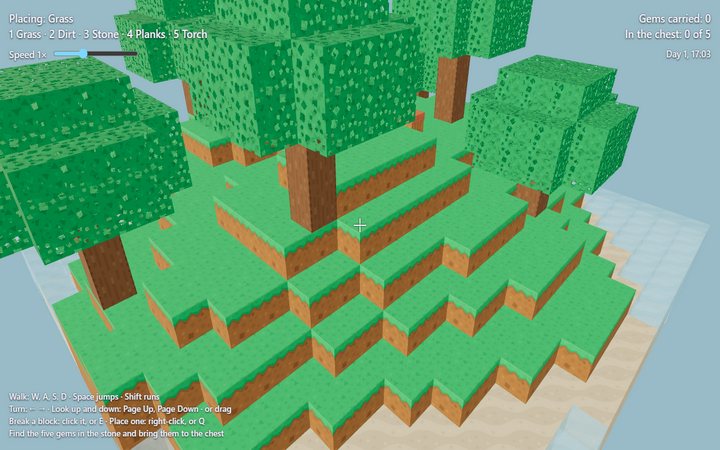
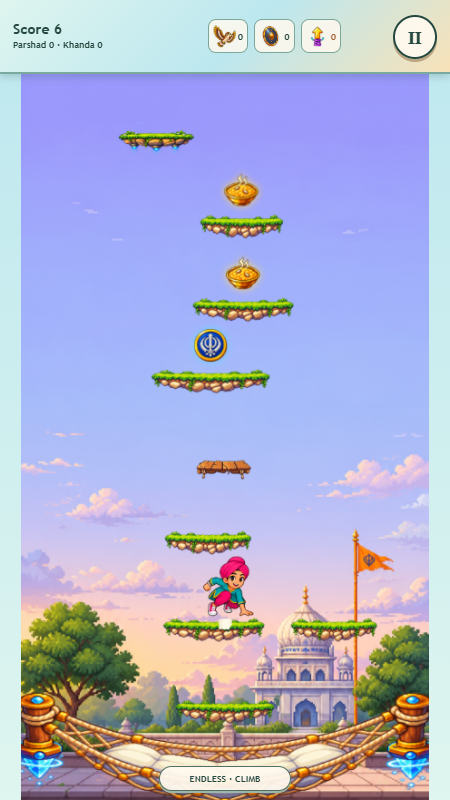
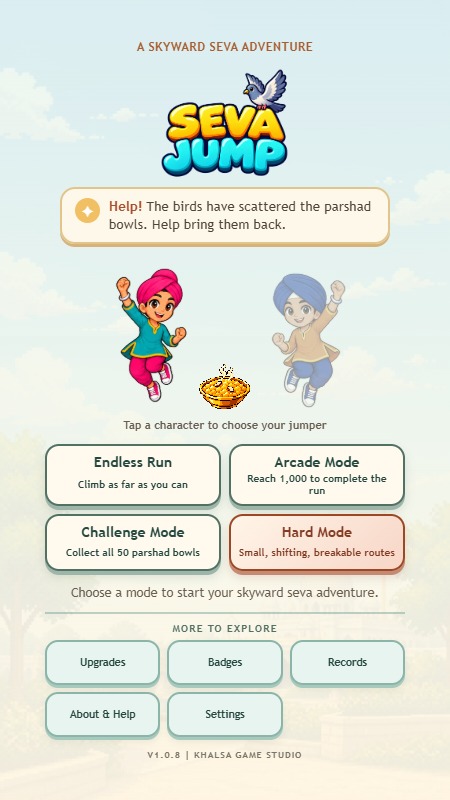
A way to describe 3D scenes with models, lights, labels and links. These examples show a block-built world and an underwater aquarium inside HyperSpace 3D.
The lesson: Explore an ambitious idea by defining and checking its smaller parts.
Select an image to see it in detail. Project and game links open external sites.
BEFORE YOU BEGIN
A few good questions.
You don’t need a fully formed idea. You do need a willingness to try, ask questions and make time for practice.
Do I need to know how to code?
No coding experience is expected. You’ll direct an AI coding agent in plain language, review its suggestions and try what it builds. Sunny will help you work through unfamiliar concepts.
What can I expect to work towards?
The Sprint is designed around a small prototype and a method you can use again. Progress depends on scope, setup and the support you need. A finished, secure product ready for customers is outside the course promise.
Can I bring a business idea?
Yes. We’ll narrow it to a manageable first result. Use made-up or sample data while learning. Confidential records, real accounts, payments and public deployment need additional review.
What equipment and AI tools will I need?
A computer on which you’re allowed to install software, access to a supported AI coding tool, and time for a setup check. The tool, account requirements and any additional costs will be confirmed before you begin.
How are the sessions arranged, and what does it cost?
Email Sunny to discuss the pilot. Availability, delivery arrangements, scheduling and pricing will be confirmed before you commit. The planned format is four 90-minute meetings, with about 8–9 hours in total including setup and practice.
What happens between sessions?
Allow time for setup and practice. You’ll also learn to save the work and leave clear notes so you can resume. Additional help beyond the planned sessions is agreed separately.
ALSO IN DEVELOPMENT
Prefer to learn with a group?
The Build Day is a distinct full-day group course in development. Dates, location, group size and pricing will be announced when the format is ready.
Email opens your mail app. Enquiring does not reserve a place or commit you to the course.
You can write here, too.
Send Sunny a short message about your idea or a question about the courses. Enquiring does not reserve a place or commit you to the course.
We use your name, email address and message to respond to your enquiry. Messages are delivered through Microsoft 365; Cloudflare checks the form to help prevent spam. Please avoid confidential information. Email contact@buildwrightcourses.com with questions about your message or to request its deletion.